
Comparison · 2026-10-22
Google Sheets Can't Import PDF Tables: Mac Workaround
I built PDFTrail so that I would never have to upload an annual report to a converter site. Google Sheets is a cloud app, and that makes a question about how to import PDF to Google Sheets awkward for me. The honest answer has two halves. The first half is about format. The second half is about where your file goes.
Why you can't import PDF to Google Sheets directly
In Sheets you click File, then Import, and choose a file. Google's import page lists the types you can choose: .xls, .xlsx, .xlsm, .ods and a few plain text formats. PDF is not on the list.
A PDF is not a spreadsheet, and no setting changes that. It stores text fragments with coordinates, and the rows and columns you see are an effect of alignment. Sheets wants cells. Something has to turn the fragments into cells first, and that something has to know which fragments share a row and where the column boundaries fall.
So the question becomes: who does that work, and on which machine?
The routes people try
Copying a table out of Preview and pasting it into Sheets is fine for a sentence. For a table, the columns lose their structure, because the PDF never stored a table to copy.
An online converter will make the .xlsx. It needs you to upload the PDF to a third-party server, and then you upload the result to Google as well. Excel for Mac has the same gap as Sheets, and I wrote about it in Excel for Mac has no From PDF import. For a comparison of the converters, PDF to Excel on Mac: tools compared sets out what each one needs.
PDFTrail is my app, and it is the route I take. It makes the .xlsx on your Mac. Sheets then imports that file like any other spreadsheet.
The route: .xlsx first, Sheets second
- Click Open PDF in PDFTrail and choose the file.
- Convert to Excel (.xlsx). For a PDF from a website, the text is read directly from the file, with the position of every character. A scan goes through OCR on your Mac.
- The files are written when the conversion ends. Look over the tables in Table Review, which appears on its own for a page that needs a look. The Review tables button in the toolbar opens it at other times.
- Fix a wrong table in the grid editor. Drag the grid lines into place, add column or row lines, or draw a table region. Try the new grid, then save the fix.
- Pick Accept and re-export so the Excel file is written again with your fixes. Your free export credits stay as they were.
- In Google Sheets, open a spreadsheet and click File, then Import.
- Choose the .xlsx file.
- Pick an import location. Per Google's page, Create new spreadsheet opens the data in a new browser tab, and Insert new sheets adds it to a spreadsheet you already have open.
- Click Import.
Where the file goes
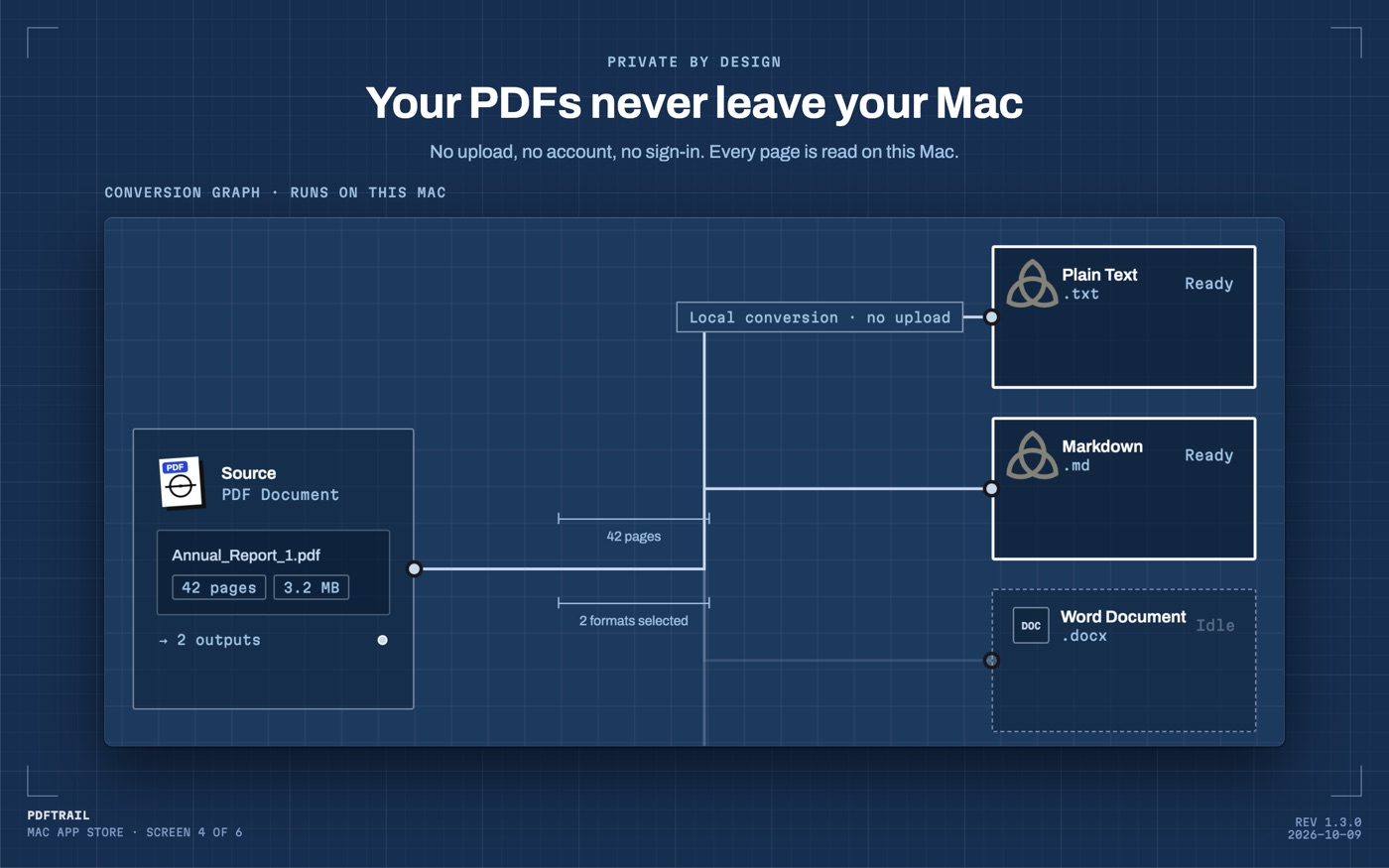
Steps 6 to 9 change the story. Everything up to step 5 happens on your Mac. Nothing is uploaded, and there is no account. In steps 6 to 9 you hand the file to a cloud service, and from that point the data lives on Google's servers.
I wouldn't make that choice for a bank statement unless I needed to share the sheet. For a public annual report, I would not think twice. That is an opinion, not a rule, and it is yours to set.
If the data does not need to live in the cloud, open the .xlsx in Excel or Numbers instead. Neither one can open the PDF as a table, but both can open the file PDFTrail wrote.
What changes for long tables and scans
When a table continues on the next page, PDFTrail joins the pieces into one table in Excel, Word and Markdown, with one header row. A row cut by the page break becomes one row again. So when you import, look for one block in Sheets, not a stack of pieces with repeated headers.
A scanned PDF needs more care before it goes anywhere. OCR is good but not infallible, and a shared sheet changes the stakes. Once the numbers sit in a sheet that other people open, they will trust them. Read the digits against the page in Table Review before you rely on the file, and do it before you send the link.
What to check after the import
Google's import page does not say how Sheets treats formatting or formulas in the file you bring in. So check, instead of assuming. The tables arrive on the Extracted sheet, and the Index sheet lists each table with its source file and page.
Compare the number of rows in Sheets with the table in the PDF. Add one column of numbers and compare the sum with the total the page prints. If the two differ, the answer is usually in Table Review, at a page break or a merged cell, and not in Sheets.
I can't tell you how your own file will look. Layouts differ, and I don't have your PDF. The checks take a minute, and they work for any table.
Back to the first half
The first half of the answer is the format: Sheets takes spreadsheets, so the PDF becomes one first. The second half is the location: the conversion can stay on your Mac, and you decide when the data goes to Google. The PDF to Excel guide covers the conversion itself in more depth.
Convert on your Mac first, and decide at the import step whether the data should go to the cloud at all.
FAQ
Can Google Sheets import a PDF?
No. Google's import page lists spreadsheet and text file types such as .xlsx and does not list PDF. Convert the PDF to .xlsx first, then import that file.
Does PDFTrail send my PDF to Google?
No. PDFTrail converts on your Mac and uploads nothing. The upload happens only when you import the .xlsx into Google Sheets yourself.
Does this work with a scanned PDF?
Yes. PDFTrail runs OCR on your Mac for pages with no text layer. OCR is good but not infallible, so check the tables in Table Review after the conversion.
Which import option should I choose in Google Sheets?
According to Google's page, Create new spreadsheet opens the imported data in a new browser tab. Insert new sheets adds it to a spreadsheet you already have open.
What does PDFTrail cost?
It is free to try, with 10 free Excel exports. After those, Excel export keeps working with the first 15 rows of each table. The full version is $24 one-time, with no subscription.
Related guides
- PDF to Excel on Mac: 7 Tools Compared Honestly
- Excel for Mac Has No From PDF Import: What to Do Instead
- Tabula vs PDFTrail: Extract PDF Tables on a Mac
- camelot and pdfplumber vs a Mac App for PDF Tables
- Adobe Acrobat Export PDF to Excel vs On-Device on Mac
Get PDFTrail
PDFTrail is on the Mac App Store — download it, try it on your own file, and pay only if it earns its keep.
GET PDFTRAIL — MAC APP STORE