
Field guide · 2026-10-14
Quarterly Results PDF to Excel: NSE/BSE Filings on Mac
A quarterly results filing arrives in your downloads folder as a single PDF: a statement of profit and loss with the quarter just ended sitting next to two or three comparison periods. The layout differs from company to company, and it changes when a company changes its reporting format. Getting a quarterly results PDF to Excel is the easy part. Building a clean run of quarters, one filing at a time, is where the real work sits.
A PDF does not store a table, whatever exchange the filing came from. Underneath, it is a scatter of text fragments, each anchored to its own point on the page, nothing more structured than that. The columns you see are good alignment, nothing the file itself records as a table. Select the profit and loss block in Preview and paste it into a spreadsheet. The current quarter runs straight into the comparison quarter, with nothing left to show where one column stopped and the next one started.
Retyping a handful of numbers for one quarter is fine, if that really is all you need. A running series across many quarters is a different job, and a transposed digit hides easily in a column of numbers that all look plausible.
These filings are public in a way a bank statement never is. NSE's own corporate filings page for financial results sorts them by the period they cover: quarterly, half yearly, and annual, the category the PDF in your folder came from. Uploading one to a converter does not put anyone's account number at risk. What it costs is time, spent once per filing, and a folder covering a dozen companies over several years adds up to a lot of that.
PDFTrail is my app. It began with the same folder of filings behind the annual report guide, and a quarterly filing is that same problem on a shorter cycle, arriving four times a year instead of once. The app reads the positioned text straight out of the file, works out which fragments share a row and where the columns break, and writes the table to Excel. Table Review then lets you check it against the page.
Quarterly results PDF to Excel, one filing or a folder
PDF to Excel on Mac covers a single filing. Here is the same route, run across a folder of them.
- Click Open PDF and choose the results PDF. For several quarters or companies, open their folder in the dialog and select every PDF in it.
- Convert to .xlsx. A filing downloaded straight from the exchange has a text layer, so PDFTrail reads it directly, no OCR. A scanned copy runs through OCR on the Mac first.
- Check each table in Table Review, which opens by itself when a page needs a look. Confirm that the quarter you expect sits under the right heading, and that a comparison column has not slid under the wrong one.
- If a table is wrong, correct its grid in the editor and click Accept and re-export. Batch conversion gives you one Excel file per filing, so a folder of companies or years comes out as a stack of separate spreadsheets. Turn on "Combine into one file per format" before the run if you would rather have one workbook.
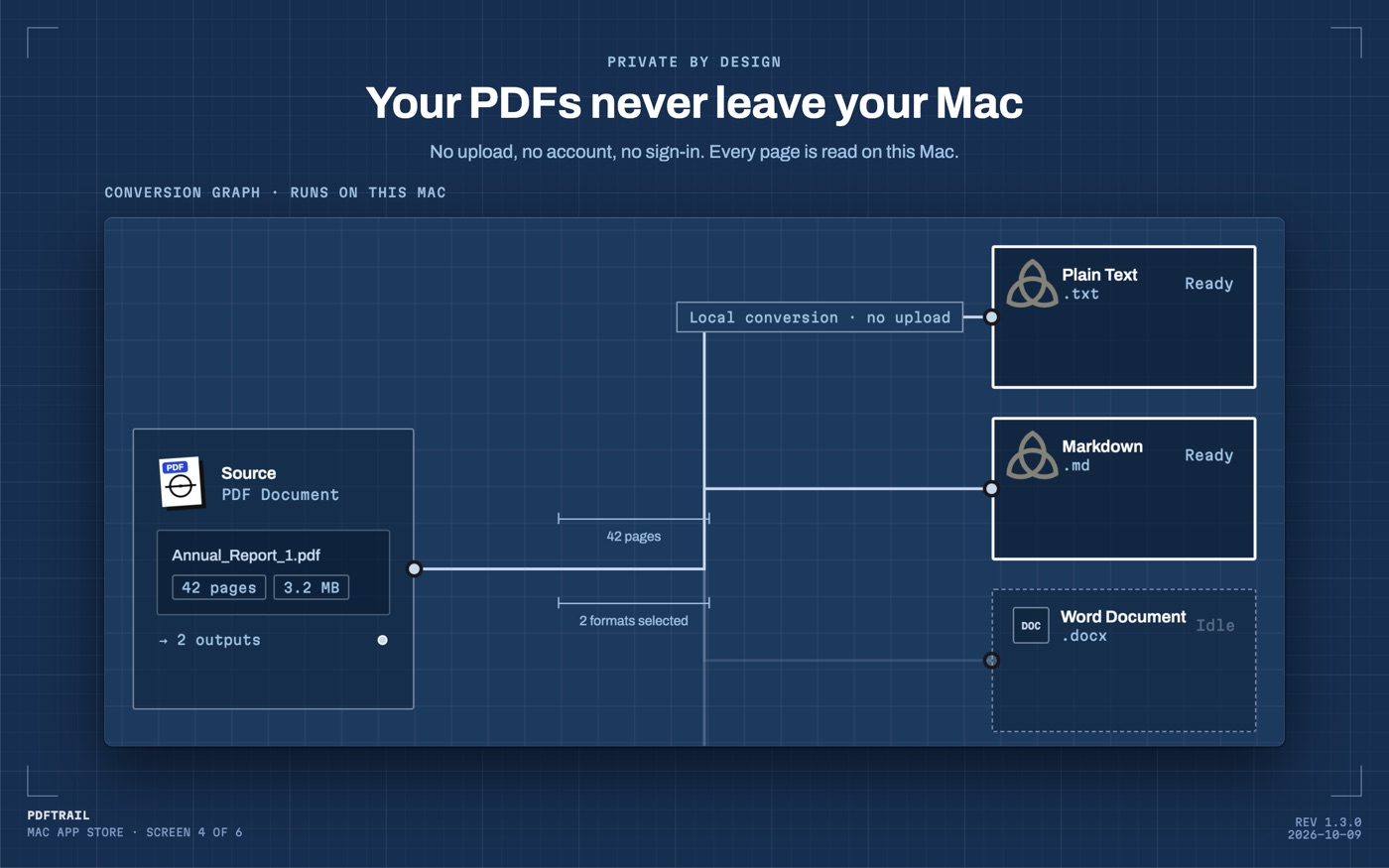
The check in Table Review is the one I would not automate away. It is the only point where you look at each table with the source filing open next to it, before the numbers reach a model or a formula.
Why the columns hold together
A PDF stores the same kind of positioned text whether it is page one of a quarter's results or page one of a full annual report. PDFTrail rebuilds each table from the geometry of those fragments, working out which ones share a row and where a column boundary falls. Because a born-digital filing never goes through OCR, that reconstruction does not get shakier when a company adds a line item or shifts a note between one quarter and the next.
If the copy in your folder is a scan of a printed sheet, not the digital original, PDFTrail runs OCR on the Mac first. Table Review looks the same either way.
The check that catches a shifted column
A quarter-by-quarter series is built from many small filings, stacked end to end. The number that anchors that chain is the one that repeats: the same quarter, filed twice, months apart.
The quarter that closes this month becomes the current-quarter column in this filing. It becomes a comparison column in the next filing, and again, further back, in the filing from a year later. The figure should hold across both appearances, unless the company has restated it, and a restatement is disclosed, not silent.
Building the series is where you can watch for this. Line up the same row across two spreadsheets from consecutive filings, and check that the shared quarter matches. A mismatch is either a misread digit from the export, worth a look in Table Review, or a genuine restatement worth reading the notes for.
Your own filing's exact column order isn't something I can predict, since layouts differ by company and shift over time, and I'm not looking at your copy while I write this. Weigh Table Review more than these paragraphs. It is looking at the filing you actually opened, not the one I imagined while writing this.
Back to the filing
It's one page among the two or three hundred a company will publish across a year. It only becomes a series once several sit side by side, columns named the same way every time.
When the plan is a model asking questions of the filing, rather than a spreadsheet summing it, PDF to Markdown on Mac keeps the same rows and columns in a form built for reading.
Check the shared quarter anyway. It takes less time than reading the footnote that explains why it changed.
FAQ
Does this work with a scanned copy of a quarterly results filing, not just a digital download?
Yes. A scan has no text layer, so PDFTrail runs OCR on your Mac. Table Review then lets you check the table against the page after the conversion.
Can I convert quarterly filings from several companies in one batch?
Yes. Open the folder in the Open dialog, select all the PDFs in it, and PDFTrail works through every file in one run on your Mac.
Is it risky to upload a quarterly results PDF to an online converter?
A quarterly results filing is a public disclosure, so the privacy risk is lower than a bank statement. Uploading one file at a time is still slow across a folder of filings.
Do I need an internet connection to convert a quarterly results PDF?
No. PDFTrail reads and converts the file on your Mac. Nothing is uploaded and no account is needed.
Related guides
- Annual Report PDF to Excel: A Guide for Investors
- Extract Balance Sheet Tables from an Annual Report PDF
Get PDFTrail
PDFTrail is on the Mac App Store — download it, try it on your own file, and pay only if it earns its keep.
GET PDFTRAIL — MAC APP STORE