
Field guide · 2026-10-01
Extract Balance Sheet Tables from an Annual Report PDF
Open any annual report to the balance sheet, and one page holds the whole argument. A line-item column runs down the left: cash, receivables, inventory, borrowings. A narrower column beside it points to a note, not a number. Two columns of figures follow, one for this year and one for last year. Subtotals break the list into sections, and a total near the bottom must match another total further down. Nothing on the page tells a spreadsheet where one column ends and the next begins.
That gap is the whole shape of a balance sheet pdf to excel job, before you open any tool. Most reports print two versions of that page: standalone, for one company, and consolidated, for that company plus what it controls. The notes share numbers between them, but the totals differ, and the two versions usually sit a few pages apart. Decide up front which one you are pulling, row by row, and stay with it. A filing sometimes marks the two only with a heading at the top of the page, easy to miss on a fast read. A standalone figure copied into a sheet built from consolidated numbers will not raise an error. It will just be wrong.
What a balance sheet page actually contains
A PDF does not store a table on this page, any more than it does on any other. It stores each character at a fixed point, and a column exists only because someone lined the numbers up by eye. Select the page in Preview and paste it into a spreadsheet, and the line-item column, the notes column, and both years of figures land in one string, in reading order. No comma marks where one column ends and the next begins.
The notes-reference column breaks first. It is a character or two wide, sitting between a line item and a much wider number, and a simple split by space or tab treats it as just another word in the row. The indented subtotal rows are the second problem. A section subtotal sits further right than the rows above it. A tool that reads indentation as a column boundary invents an extra one, and the figure beside it lands under the wrong header.
PDFTrail is my app, and this exact failure is the one it was built to sidestep. It reads the positioned text and its coordinates straight from the file, works out which fragments share a row, and finds where the real column boundaries fall. Then it writes the files, and Table Review shows you those rows, notes column and every subtotal in place, next to the page they came from.
Getting a balance sheet pdf to excel without losing the notes column
Four steps get you there.
- Click "Open PDF" and choose the annual report PDF.
- Wait for the read. A downloaded report carries a text layer, so PDFTrail reads it directly, with no OCR guessing involved. Where the copy is a scan with no text layer at all, the Mac runs OCR before anything else happens.
- Open Table Review, and check that the notes column sits where it should, with each subtotal row lined up under the right year. It is already open if a page needed a look; if not, press "Review tables".
- Open the .xlsx file. Where a table came out wrong, set its lines right in the grid editor, then press "Accept and re-export".
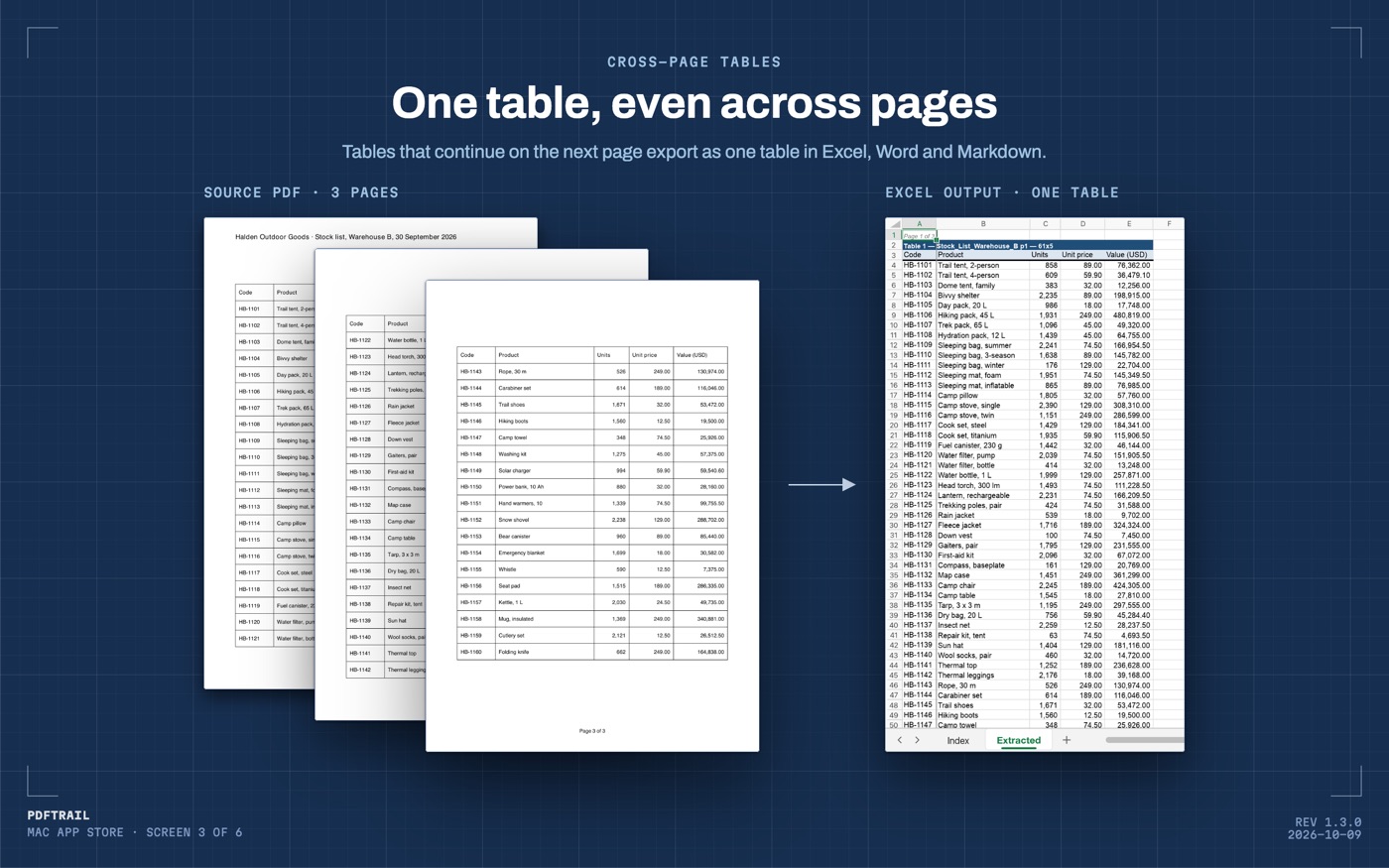
That is the whole job for one file. For the single-file basics beyond the balance sheet page, PDF to Excel on Mac is the wider guide.
The three checks before you trust the total
The U.S. Securities and Exchange Commission's own beginner's guide to reading financial statements puts the identity behind this page in one line: assets equal liabilities plus shareholders' equity. Add the assets column in your export, add the liabilities-and-equity column, and check the two totals land on the same number, for both years.
Below that, walk down each section subtotal. Current assets should equal the line items above it added together, and total assets should equal current plus non-current. Do this for both years, since an export can misplace a row in one column and leave the other untouched. A subtotal that will not re-add points at a row the export merged or split, not at a mistake in the company's own numbers.
Last, set last year's column beside last year's own report, if you kept a copy. The two figures should agree exactly. A report sometimes restates a prior year after an accounting change, and that is a real difference, not an export mistake, though you only learn which one it is by checking.
Lining up several years, and back to that page
Once every year is its own file, line up the same row across all of them: the same line item, from the same version of the statement, standalone with standalone and consolidated with consolidated. A line renamed between years, or a note moved to a different section, will not match by row position alone, so the first pass is still a read, not a formula. After that first pass, most years line up on their own, and only the renamed rows need a second look.
The annual report guide covers this same job across a whole folder of filings, not one page at a time. When the destination is a model rather than a sheet, PDF to Markdown on Mac keeps the same rows, notes and subtotals included, in a form it reads cleanly.
That page I opened on is still just a page. The notes column, the indent, and the total that has to tie are the same shape in every annual report I have converted, standalone or consolidated, old filing or new. Getting it into a sheet does not change what the numbers say. It only lets you check them, which was the point.
FAQ
Does converting a balance sheet pdf to excel keep the notes column?
Yes. PDFTrail rebuilds each row from the text positions on the page, so the notes-reference column stays next to its line item instead of merging into it.
Can I pull standalone and consolidated figures from the same report?
Only if the filing prints both. Convert each version once and keep the two sheets separate, so the totals never get mixed.
Do I need an internet connection to convert an annual report?
No. PDFTrail reads and converts the PDF on your Mac. Nothing about the file is uploaded.
What if my totals do not tie after export?
Compare the export against the review screen first. A tie failure almost always traces to a merged or split row, not a mistake in the filing.
Related guides
Get PDFTrail
PDFTrail is on the Mac App Store — download it, try it on your own file, and pay only if it earns its keep.
GET PDFTRAIL — MAC APP STORE