
Field guide · 2026-09-24
PDF to Markdown on Mac: A Guide for LLM Workflows
I have pasted a long PDF straight into a chat box more times than I would like to admit, hit return, and watched the reply miss half the numbers. The paragraphs run together into one grey wall. A table that had ten rows on the page arrives as a single sentence, figures and labels mixed in whatever order the file happened to store them. That is the usual result of a pdf to markdown mac job left undone. The model answers anyway. It just answers about a document it never really saw.
That is not the model's fault. Look at what a PDF actually hands over when you select its text and copy it out. A PDF does not store a heading, a paragraph, or a table as such. It stores short runs of characters, each one pinned to an x and y position on the page, alongside instructions meant for a printer or a screen. The neat grid of a table, the indent of a bullet, is something your eye reconstructs from position alone. Pasted text carries none of that geometry into the chat window. The model gets a stream of words. It has to guess where one row ends and the next begins, and a guess is not what you want from a filing or a set of accounts.
Markdown removes the guessing, because it writes the structure down instead of implying it with position on a page. A # says this line is a heading. A - says this line belongs to a list. A row of text between pipe characters says these words are one table row, in this column order. None of that depends on where ink landed when the page was printed. A model trained on the open web has seen enormous amounts of Markdown. A heading mark or a table row is a shape it already knows, not a puzzle it has to solve.
There is a second reason to convert rather than upload, and it has nothing to do with formatting. Most chat tools now let you attach a PDF directly, and for a public paper or a press release that is the easy route. But attaching means the file goes to their servers, and once it is there you cannot see what happens to it next. Reading Indian annual reports this way, checking a company's own numbers against what a model says about them, is the reason I built this app in the first place. Some of those filings carry notes I would not want sitting on a server I do not control. I refuse to upload a document like that, and the same caution is worth applying to anything of yours that is not already public.
A spreadsheet is not a shortcut around this either, if that crosses your mind as the safer format. The From PDF import under Power Query exists on Windows Excel, and Microsoft's own support forum confirms it never reached the Mac version. That is a dead end for this job anyway, since a model reads plain text far better than it reads a workbook.
The pdf to markdown mac steps
- Click Open PDF and choose the PDF. There is no account screen and no upload step.
- Let it read the file. A PDF that came out of software rather than a scanner carries its own text, and the app reads it straight from the file, position by position, no OCR involved.
- Check Table Review. When the conversion is done, the app shows you the tables it found next to their pages, so a mangled row is still cheap to catch. It opens by itself for a page that was partly read or not read, and the Review tables button opens it for the rest.
- Open the
.mdfile the conversion wrote. It has headings, lists, and tables written out in plain text. If you fixed a table, click Accept and re-export first.
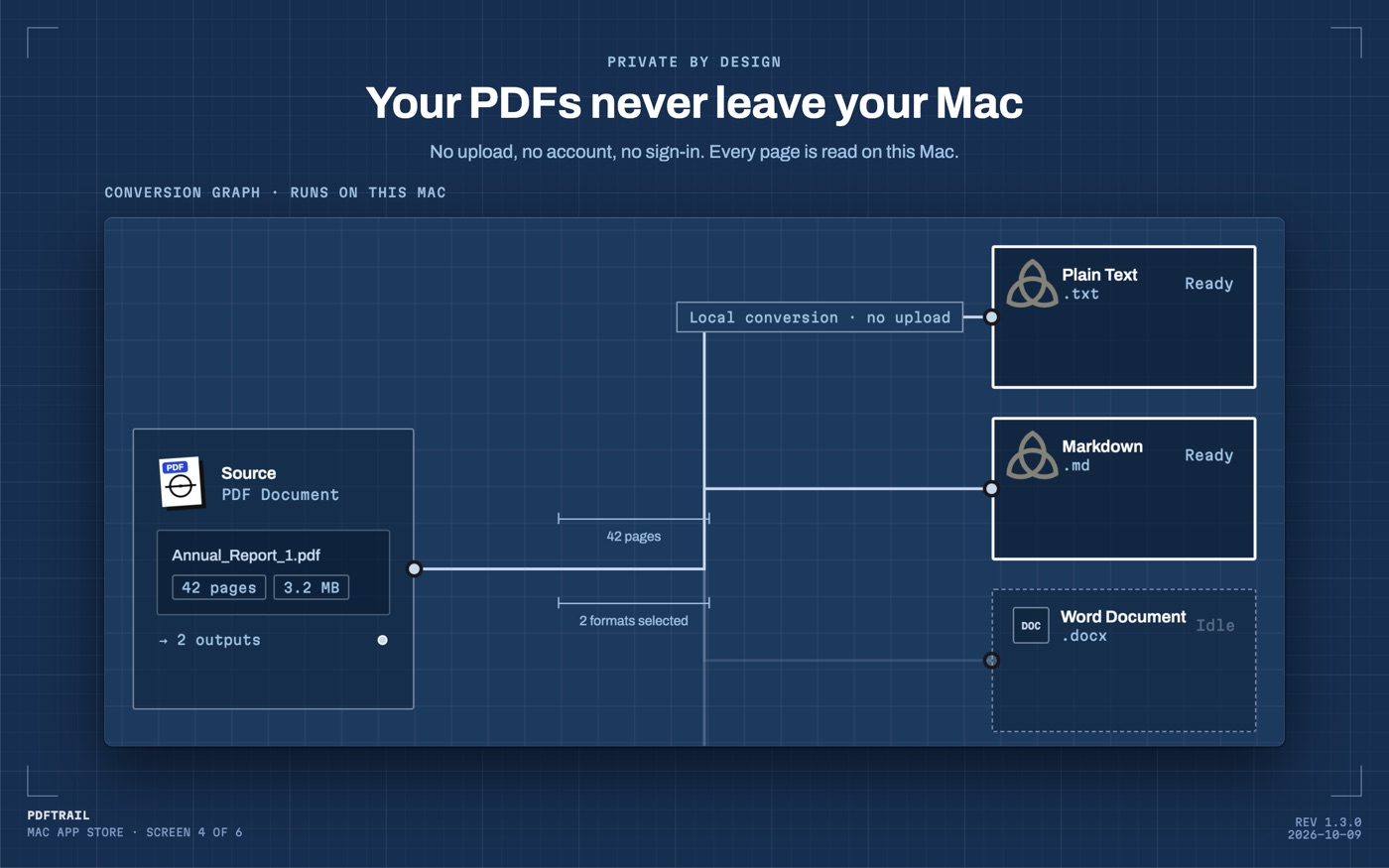
PDFTrail is my app, built first to solve this exact paste problem for myself, and a born-digital report goes through with no OCR step at all.
What to look for in the output
Open the file and read the headings first, top to bottom. They should line up with the report's own section breaks: a segment result, a note to the accounts, a chairman's letter. If a heading turns up where a caption or a page number should be, the source page likely used an oversized font for something that was not a heading. It is worth a glance back at the PDF.
Then check the tables the way you would check any number you are about to rely on. Count the columns against the printed page. A split row, where one line of figures becomes two, is the most common seam, and it is easiest to spot in a table with a fixed column count, like a balance sheet. Table Review shows each table next to its page. A gap or a split row is something you catch there, by comparing the two, rather than a silent hole in the file.
Scanned pages need one more look. Some annual reports circulate as a photocopy of an older filing, with no text layer under the pixels. PDFTrail runs OCR on the Mac in that case, and Table Review still shows the detected table next to its page. OCR is good but not perfect on a dense financial table, so that review step is where a misread digit gets caught, not three questions into a chat about it.
Back to the annual report
Once the headings and tables check out, the .md file goes straight into the chat window, or into NotebookLM. A copy sits in a notes folder next to the company's other filings. The model now reads the segment table as a table and the chairman's letter as prose, because the file finally says which is which. I still keep the source PDF open in a second window. When the model quotes a number from a note buried forty pages in, I want to find that page in seconds, not scroll a converted file hoping the row still lines up.
The paste that started this, one long grey wall with the numbers out of order, stops happening once the structure survives the trip. That is the whole fix: give the model a file it can actually parse, and keep the filing on your own Mac while you do it. For the same engine aimed at a spreadsheet instead of a chat prompt, the PDF to Excel guide covers that path. The scanned-document guide goes further into what OCR can and cannot recover from a rough scan.
FAQ
Why does a model read Markdown better than a PDF?
A PDF stores characters at page coordinates, not structure. Markdown marks headings, lists, and tables in plain text, so a model can parse the document's shape instead of guessing at it.
Is it safe to hand a confidential PDF to a chatbot?
Uploading sends the file to that company's servers, and you have no way to check what happens to it there. For anything private, convert it on your Mac first and paste the text in.
Do tables come through intact?
Yes. PDFTrail rebuilds each table from the position of the text on the page and writes it out as a proper Markdown table, columns lined up under their headings.
Will this work on a scanned annual report or a photocopy?
A scanned page has no text layer, so PDFTrail runs OCR on your Mac first, and Table Review shows you the table it found so you can check it before you rely on the file.
Does converting need an internet connection?
No. The whole conversion runs on your Mac, with no account and no sign-up, and it works with Wi-Fi off.
Related guides
Get PDFTrail
PDFTrail is on the Mac App Store — download it, try it on your own file, and pay only if it earns its keep.
GET PDFTRAIL — MAC APP STORE