
Field guide · 2026-09-27
Convert a PDF to Markdown for ChatGPT (No Upload)
A bank statement PDF sits in your downloads folder, and you want ChatGPT to look at three months of transactions for anything odd. Paste the text straight in, and the dates run into the amounts, and the columns collapse onto one line, so the model has to guess what belongs where. Upload the file instead, and the guessing stops, but the whole document, account number included, now sits on a server you don't control. This guide covers how to convert a PDF to Markdown for ChatGPT on your Mac, so you paste only what you need and the statement itself never leaves your machine.
Why a straight paste breaks the table
A PDF does not store paragraphs or rows. It stores short runs of text, each pinned to an x and y position on the page: a date here, a balance a little to the right of it. What looks like a table on screen is good alignment, nothing more. Select the page in Preview and paste it into a chat, and you get that same stream of fragments with the positions thrown away. The date, the description, and the balance land on one line, in whatever order the PDF happened to store them. ChatGPT can often untangle a paragraph like that. A table of transactions is worse, because every row is shaped the same way, and the model has nothing left to tell one column from the next.
Why an upload is a different trade, not a fix
Upload the statement instead, and the formatting problem goes away, because ChatGPT reads the file directly rather than working from whatever you pasted. That doesn't mean the problem disappears. It moves. The file goes to OpenAI's servers to be processed there. OpenAI's own file uploads FAQ states a hard limit of 512MB per file. It also caps text and document files at 2 million tokens, and an ordinary bank statement sits well inside both numbers. For a public report or a recipe, that's a fair trade. I wouldn't upload a statement with my account number on it, and I don't think you should either.
There is a third route, and it avoids both problems. PDFTrail is my app, and I built it to read financial documents on the Mac and turn them into Markdown before any file leaves the device.
Convert a PDF to Markdown for ChatGPT on the Mac
- Open the file. Click Open PDF and choose the statement PDF.
- Let it read the file. A downloaded statement carries a text layer, so the characters are read straight from the file, no OCR guessing. A scanned copy has no text layer, so OCR runs on the Mac instead.
- Check Table Review. Confirm the dates landed under Date and the amounts under Amount. It opens by itself when a page needs a look. At other times, click Review tables in the toolbar.
- Open the Markdown file. If you fixed a table, Accept and re-export writes the Markdown again, so copy from that version.
Why Markdown carries the table through
Markdown marks structure with plain characters: a # before a heading, a dash before a list item, a pipe between table cells. Those marks are just text, so they survive a copy-paste the way a table built in a spreadsheet does not. PDFTrail works out that structure from the geometry of the positioned text in the PDF. It checks which fragments share a row, and where the column boundaries actually fall, then writes the result as Markdown headings, lists, and pipe-delimited rows. ChatGPT reads pipes and dashes as structure, not as clutter, so the transaction table lands in the reply as a table, with the debit column still a debit column.
A heading survives the same way. PDFTrail marks a document's section titles with a #, so a long document keeps its shape in the Markdown file. Open it in any text editor and the headings still read as headings, not as a stray line of bold text that lost its formatting on the way out.
Trim before you paste
Open the exported .md file in a text editor once it's ready. You rarely need the whole statement in the chat, only the weeks or the transactions your question is about. Copy that section and paste it in. This keeps the rest of the document off any server, and it gives ChatGPT less text to sort through before it answers. If you have several months to ask about, paste them one at a time and ask your question after each, rather than dropping a year of statements in at once.
For a scanned statement, read the exported text once before you paste it. PDFTrail's Table Review shows that table next to the page, so this second read is where you check the totals still match. It still takes a minute, and it's worth spending on numbers you're about to ask a model about.
Back to the statement
Three months of transactions, once exported, sit in a Markdown file with the dates in one column and the balances in another, exactly as they sat on the printed page. Copy that table into the chat, ask which entries look like a subscription, and ChatGPT works from a table it can actually read instead of a wall of run-on text. The account number stays on the Mac the whole time, because it never had a reason to leave.
If your document is mostly numbers with little prose, a spreadsheet may suit the task better than a chat. The PDF to Excel on Mac guide covers that route, and the annual report guide walks through a longer financial document. For more on Markdown exports generally, see the PDF to Markdown on Mac hub.
Paste the table, not the page. It reads better, and so does the model.
FAQ
Why does pasted PDF text look broken in ChatGPT?
A PDF stores text as fragments pinned to coordinates, not as paragraphs. A plain copy drops the positions, so a date, a description, and an amount can land on one line in the wrong order.
Is it safe to upload a bank statement or contract to ChatGPT?
Uploading sends the whole file to OpenAI's servers. For a document with an account number or a signature on it, converting on your Mac and pasting only the part you need keeps the original file off any server.
Does Markdown really paste better than plain text?
Yes. Markdown marks a heading, a list, and a table row with plain characters, so ChatGPT can tell one from the other instead of guessing from spacing alone.
Does this work with a scanned PDF?
Yes. A scanned page has no text layer, so PDFTrail runs OCR on your Mac, and Table Review shows the detected table for you to check before you rely on the file.
Do I need an internet connection to convert the file?
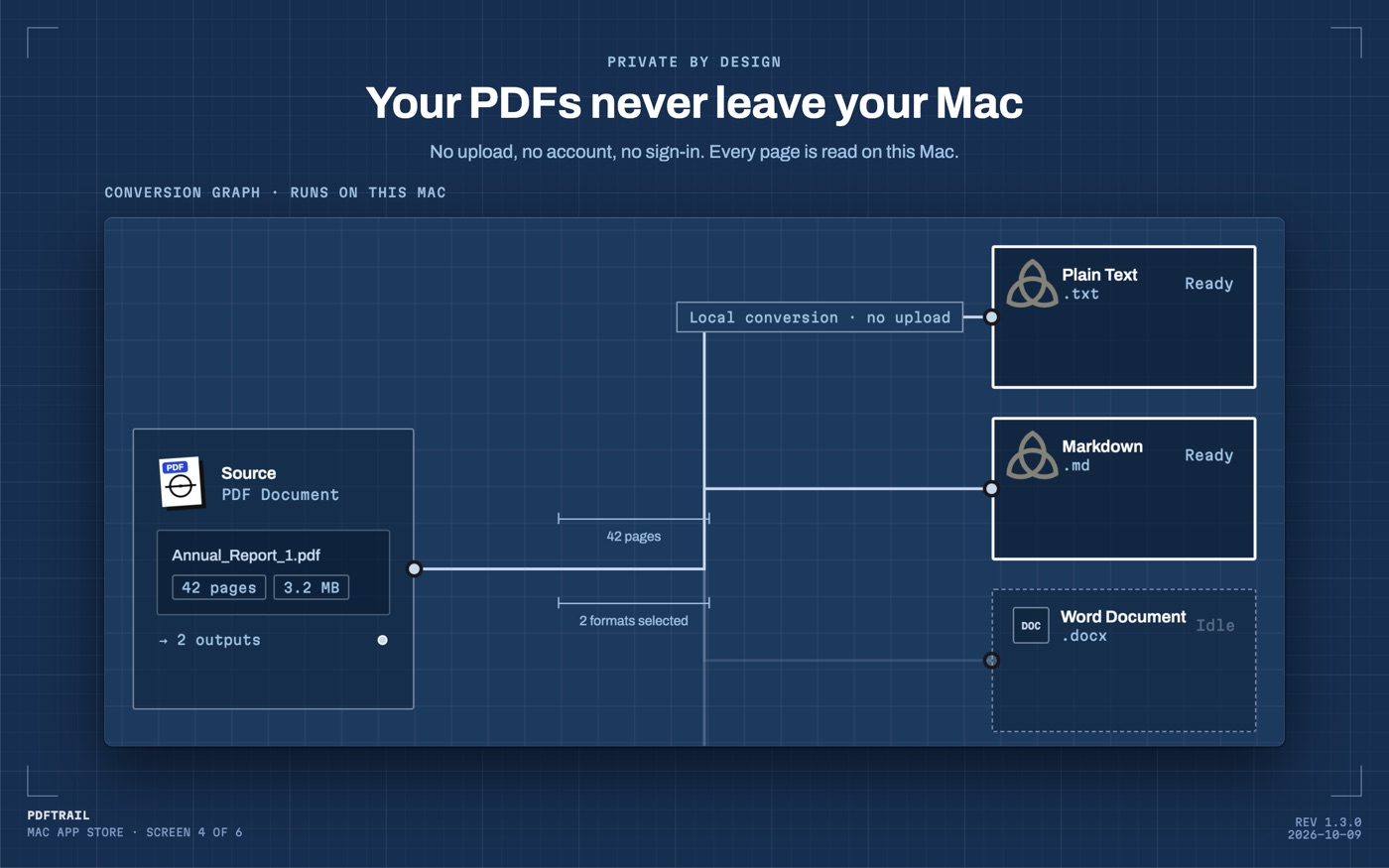
No. Conversion runs on your Mac, with no account and no sign-up, and the PDF itself is never sent anywhere to produce the Markdown file.
Related guides
Get PDFTrail
PDFTrail is on the Mac App Store — download it, try it on your own file, and pay only if it earns its keep.
GET PDFTRAIL — MAC APP STORE